Tiling and workspaces
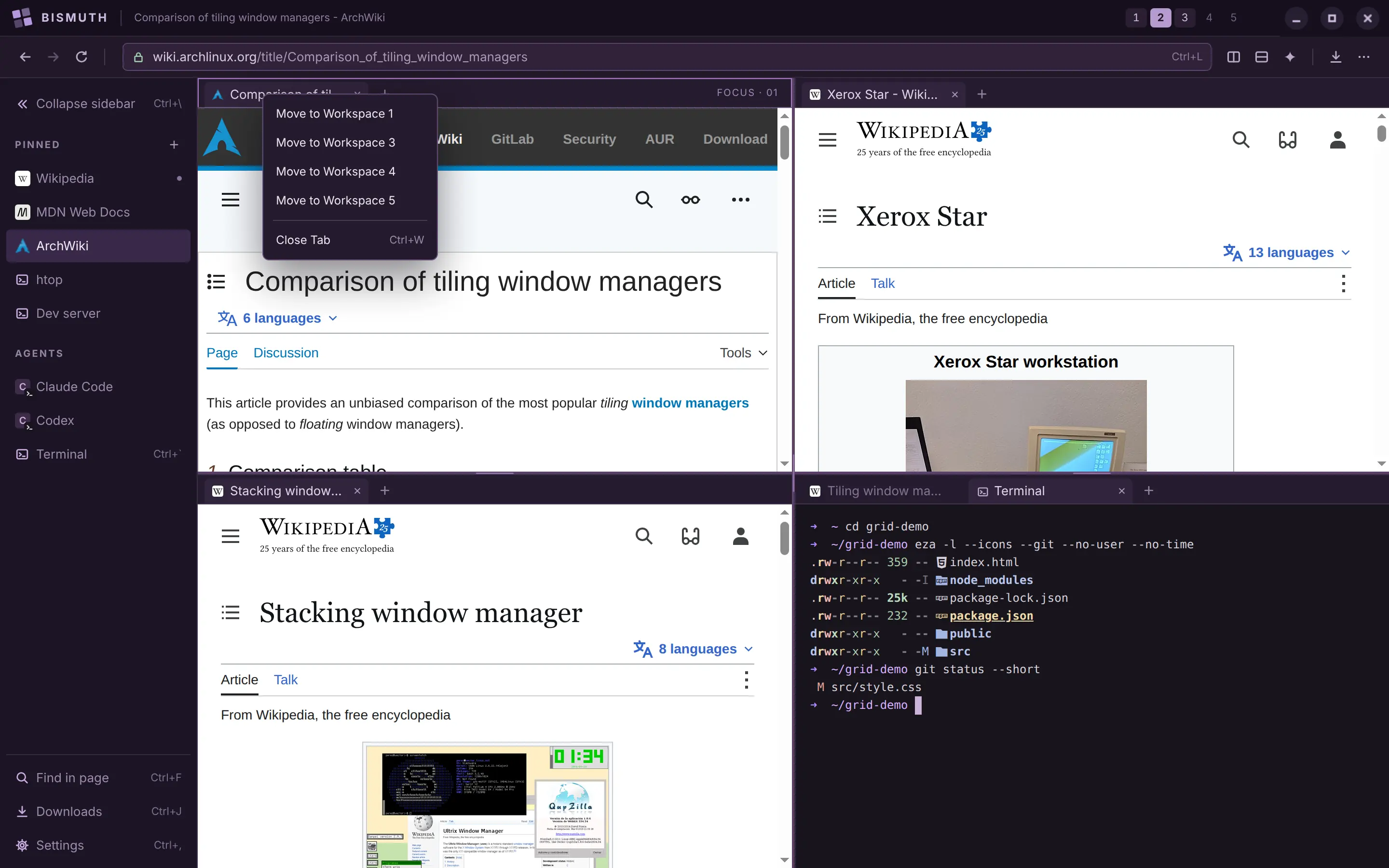
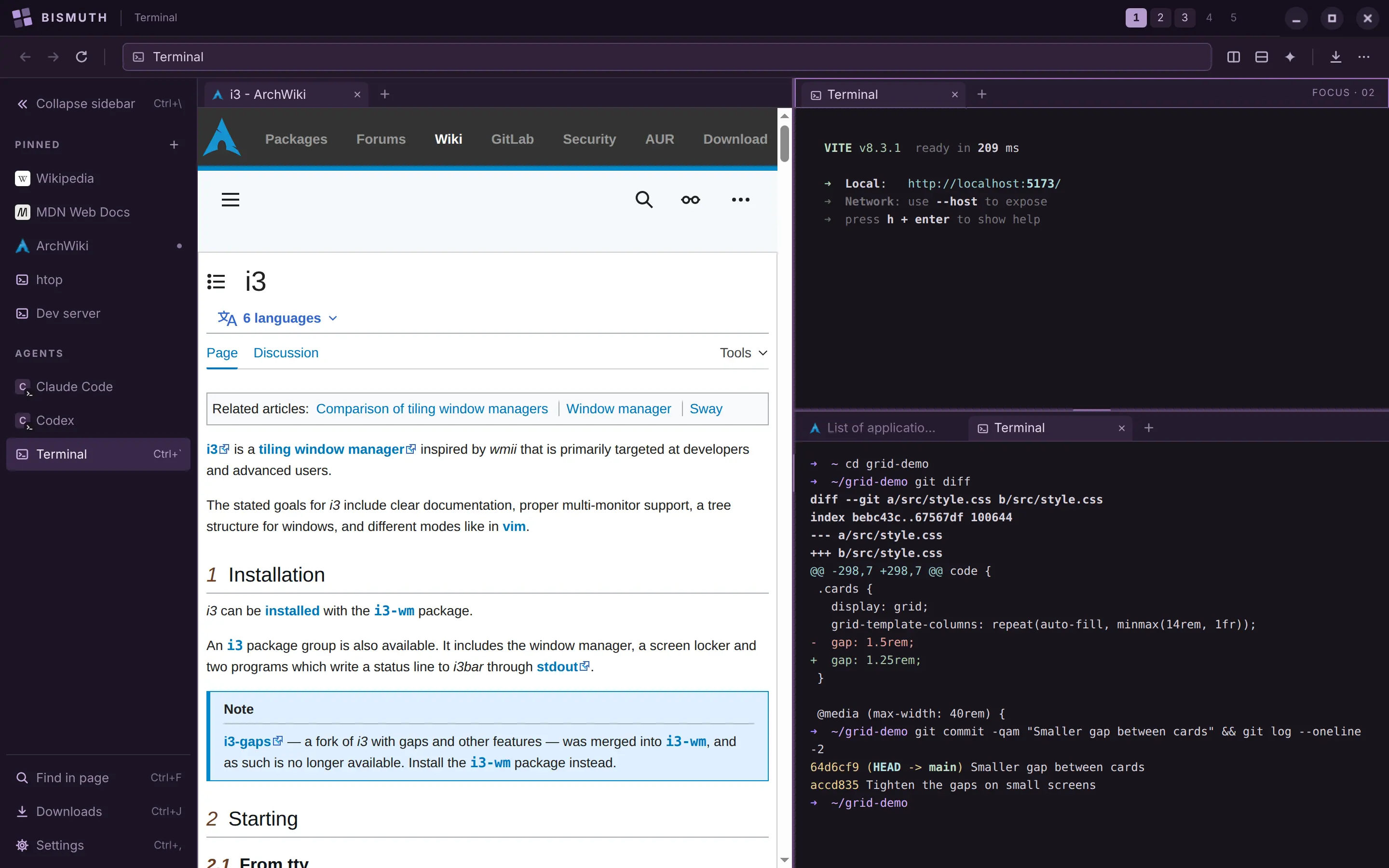
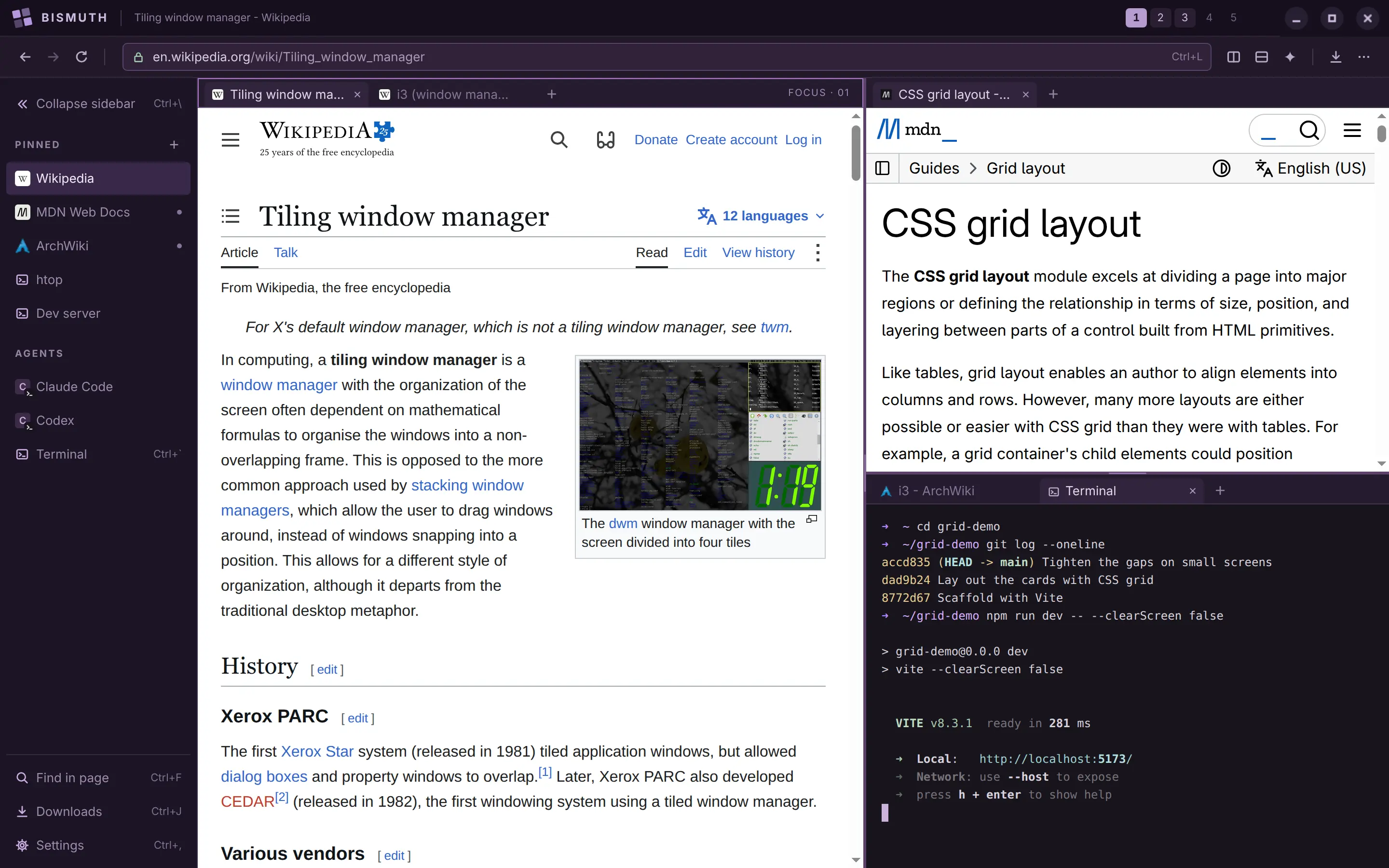
Split any tile to the right or downward with the buttons in the toolbar, and keep splitting: halves become thirds, and tiles nest inside tiles. Drag the handle between two tiles to resize them.
Tabs belong to a tile. Drag a tab to another tile, or onto a tile's edge to give it a tile of its own.
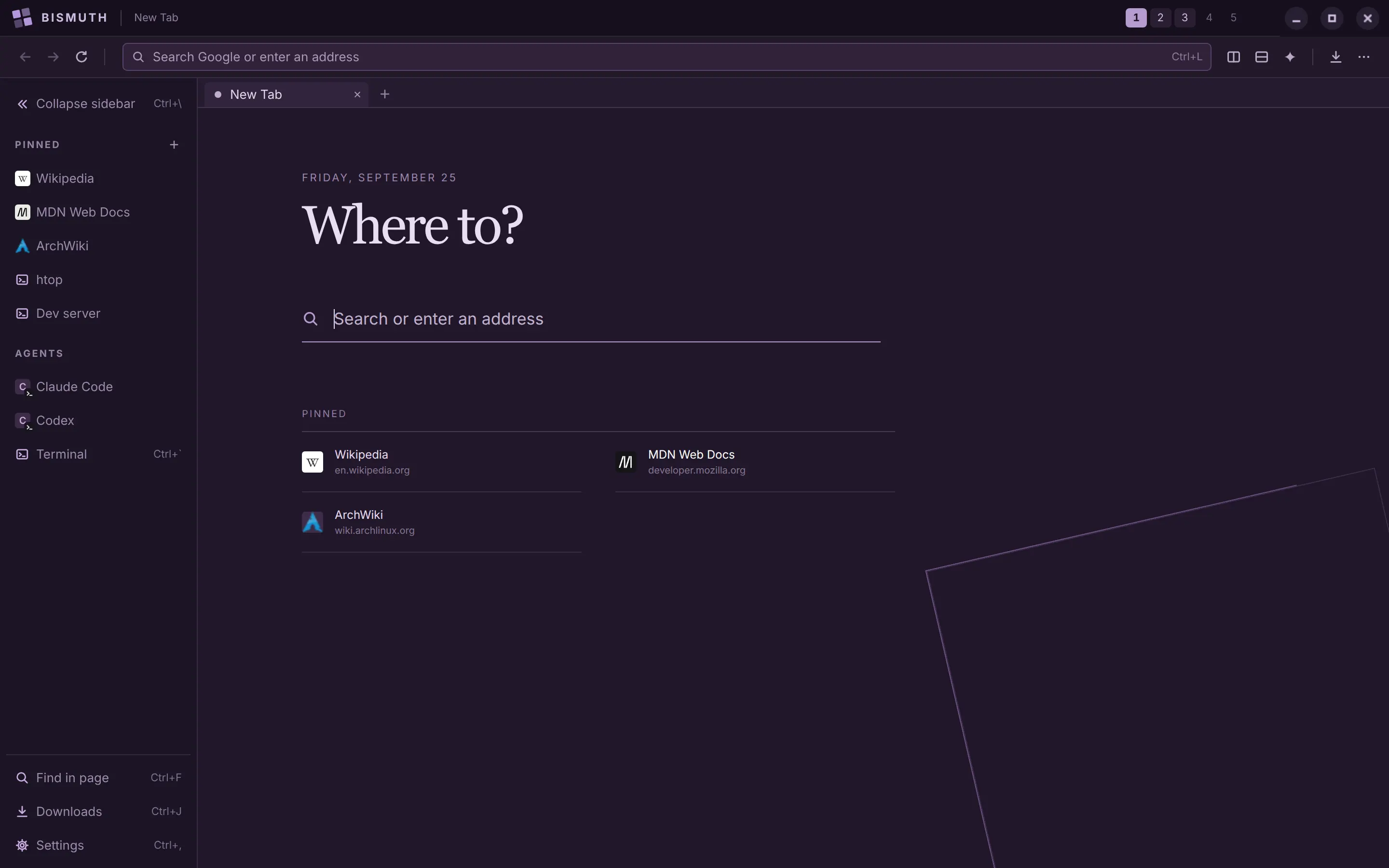
Each window has five workspaces, like desktops on Linux, and each one keeps its own tiles. Switch with ⌘1–⌘5 on a Mac, or Alt+1–Alt+5 on Windows and Linux. Right-click a tab to move it to another workspace.